
On the home page of the site at icaea.ir/2025, click on the "Sign Up" option in the "Login" panel on the left
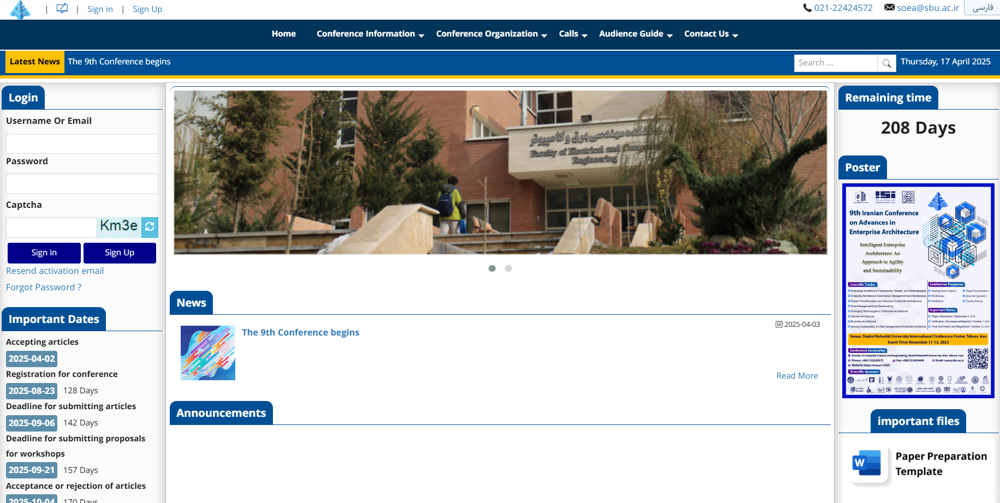
Enter your information in the panel that opens.
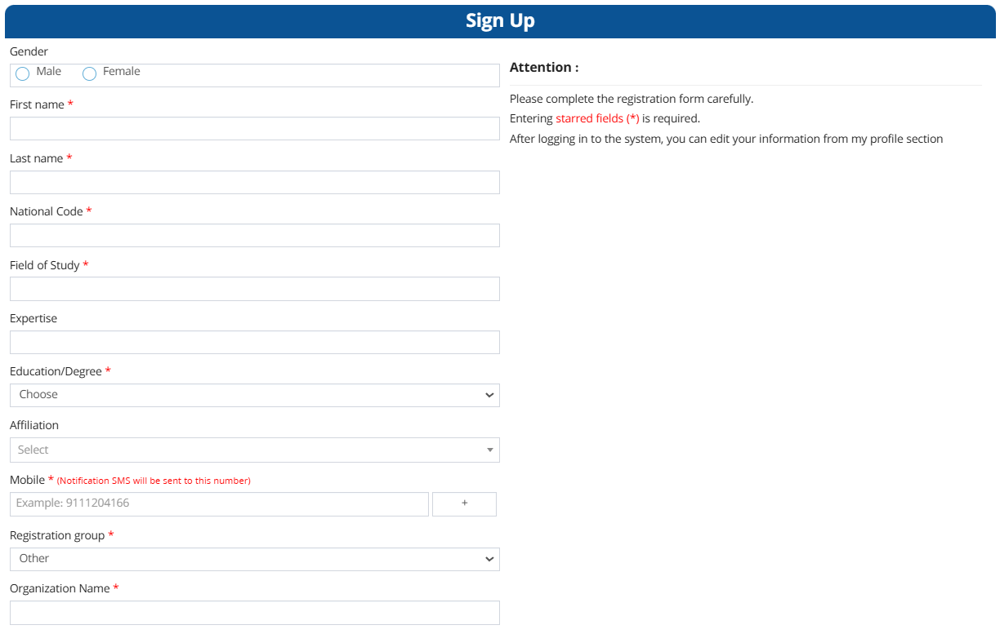
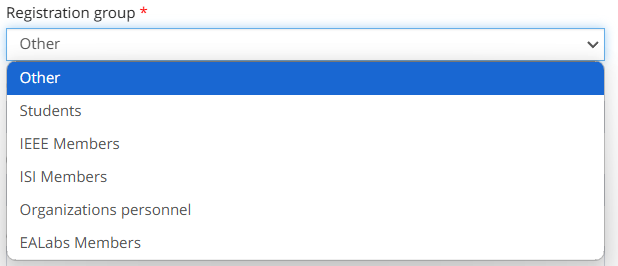
Explanation of Registration Groups
After registering, you will be able to log in to the site with your registration information.
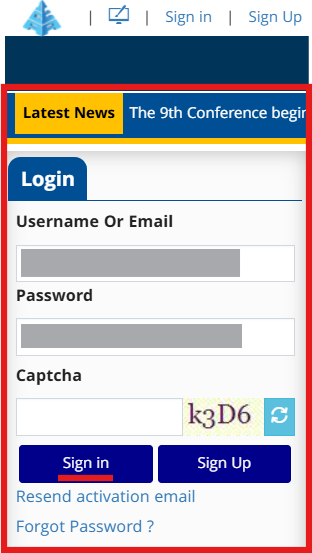
After entering the site, a panel as shown in the figure will be visible.
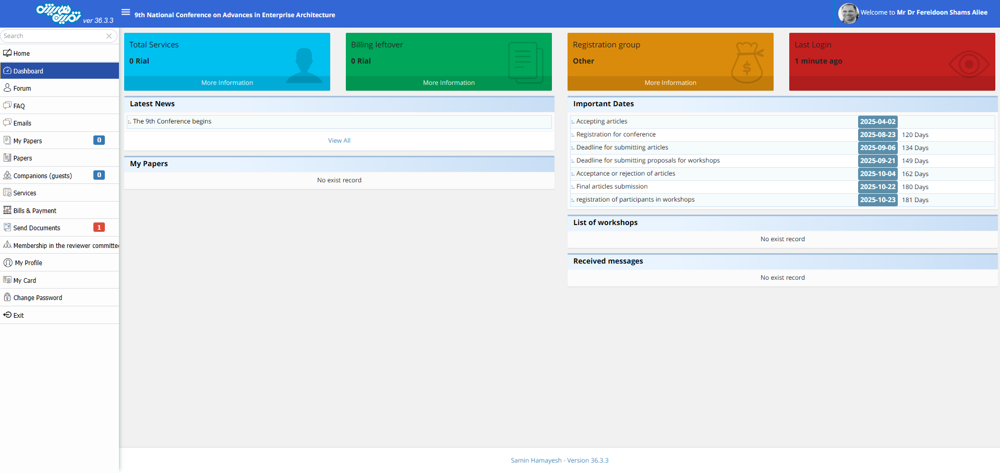
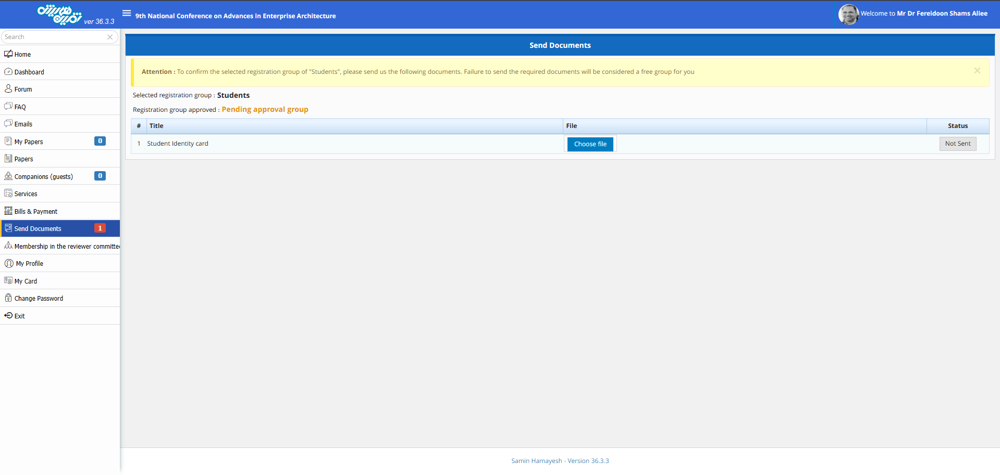
Please note that if you have considered your group to be one of the five groups: "Student", "IEEE Member", "Informatics Society Member", "Enterprise Architecture Laboratory Member", and "Organization", you must upload the relevant document from the right menu in the "Submit Document" section and after approval by the site administrators, your registration group will change to the group selected at the time of registration.
After registering on the site, you can choose the services you need (conference participation or workshops). If you need guidance, you can refer to the "Service Registration Guide (Conference Participation or Side Workshops)" page.
For organizational registration, you can also read the available guide for group registration on the "Organizational Registration Guide" page.


